Photo stories · 2 November 2026
12 holiday photos. Three slides. Your whole story.
The road there. A favourite view. That little moment outside the tent. A collection gives those photographs room to belong together, without asking someone to swipe through every image separately.
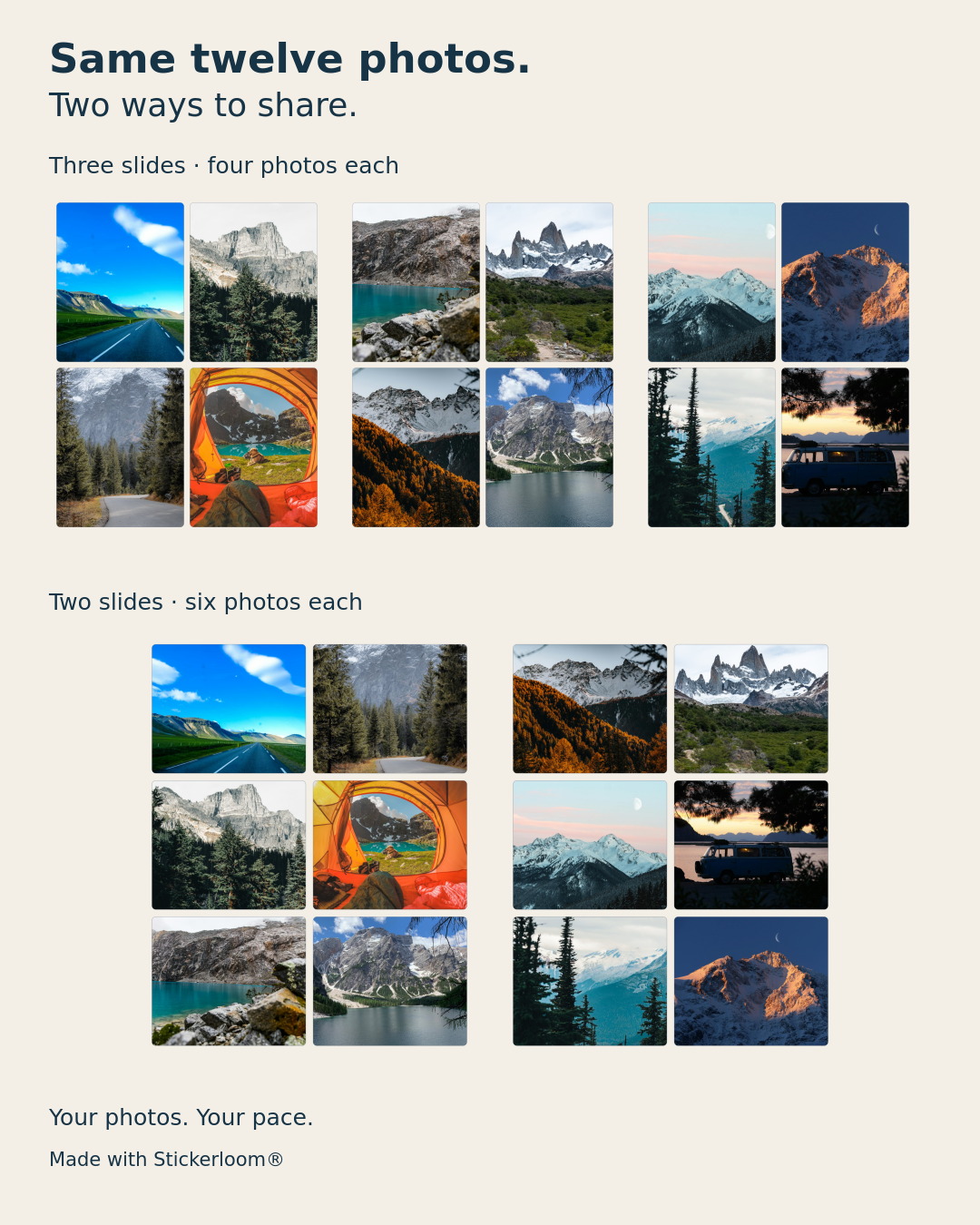
Four photos per slide: give each moment room
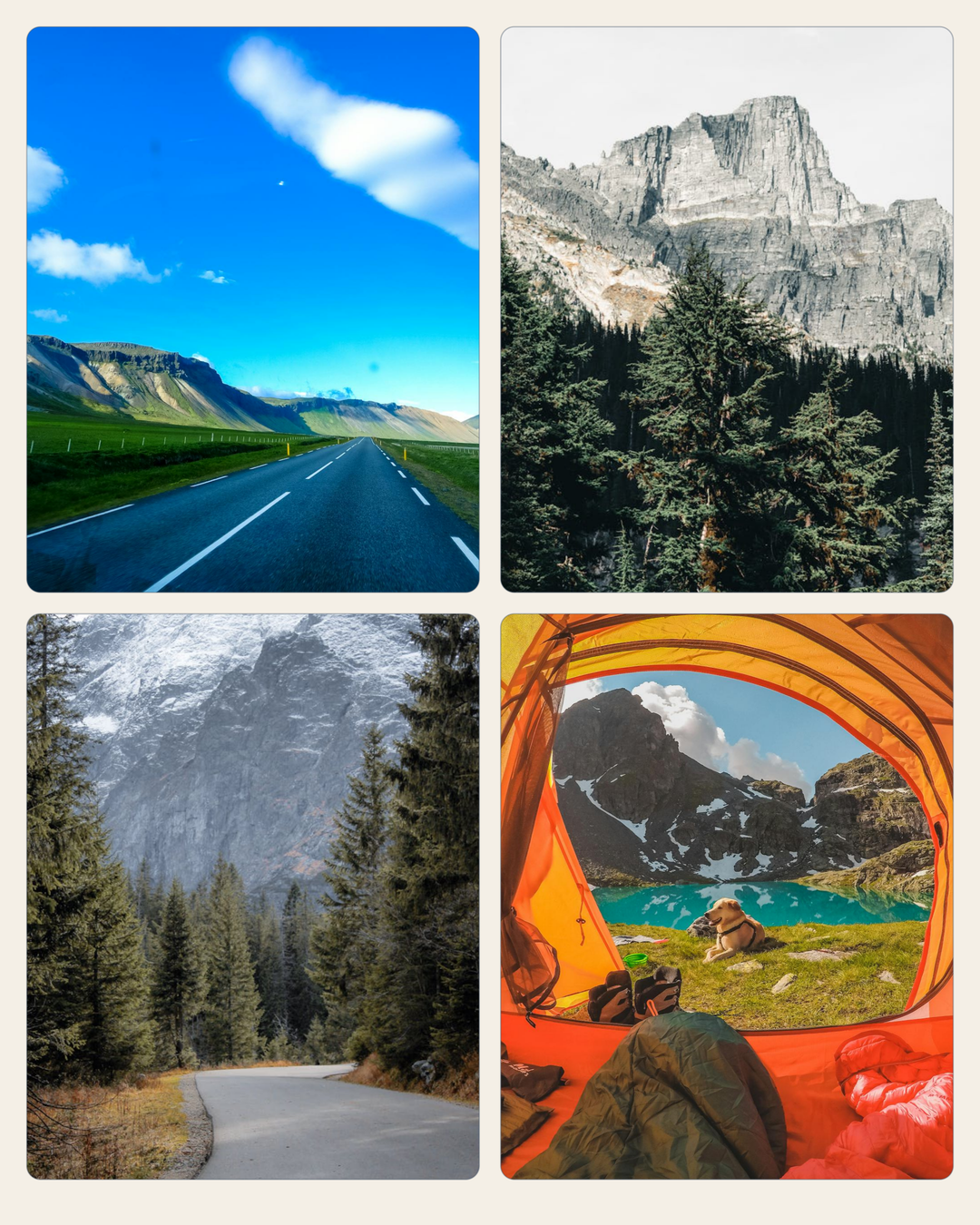
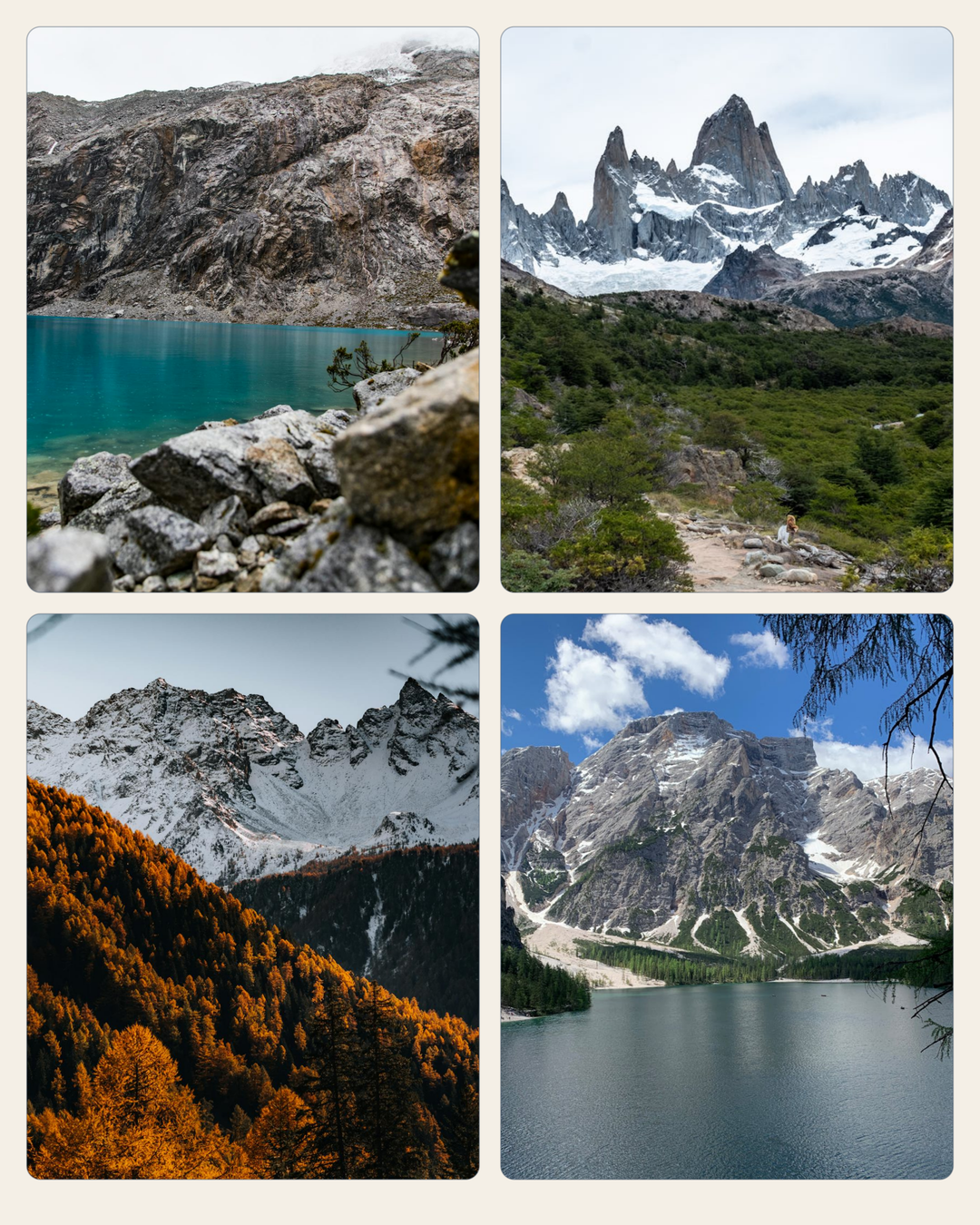
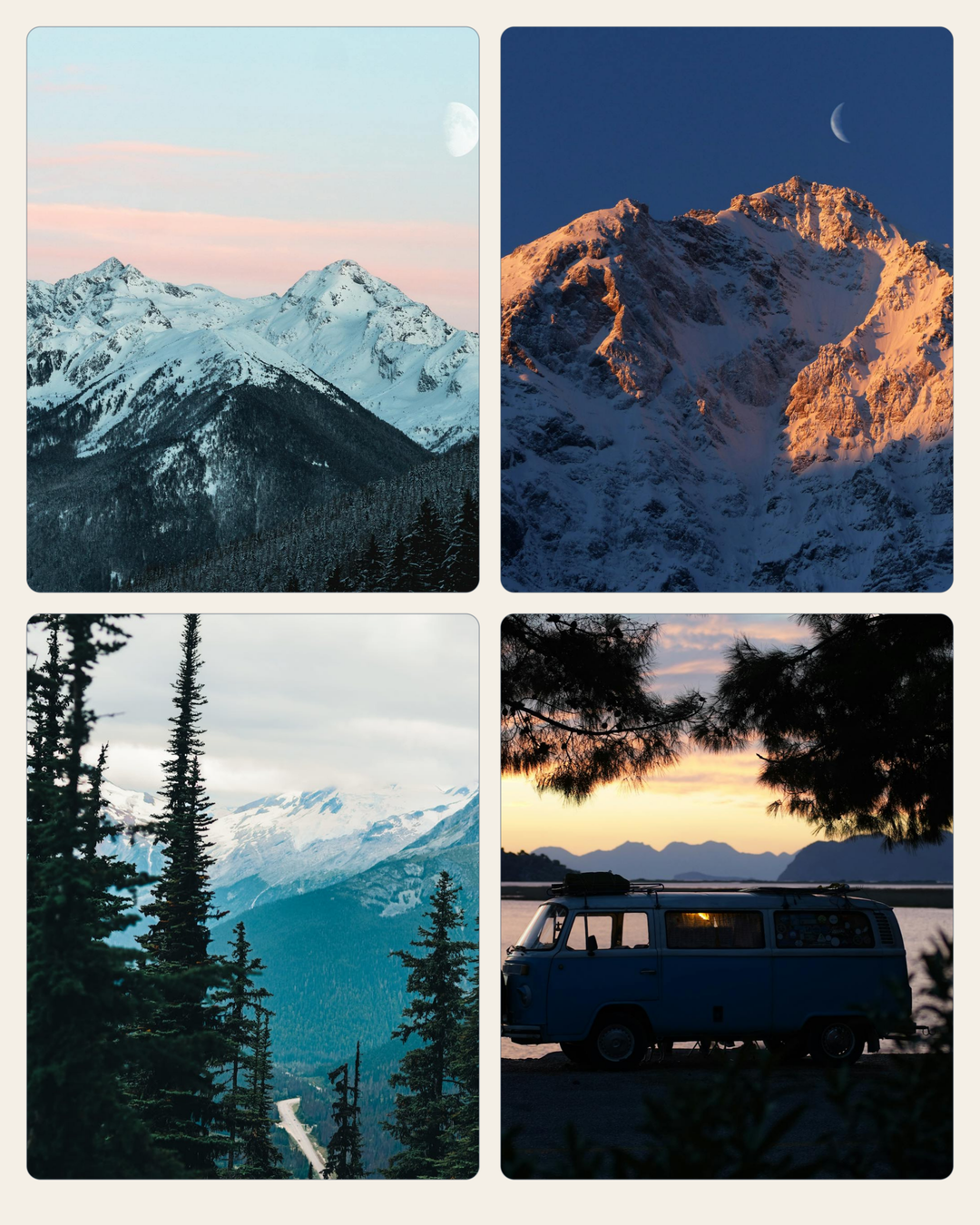
A two-by-two arrangement is an easy place to begin. Each photo stays large enough to read on a phone, while three pages can give a twelve-photo collection a beginning, middle and finish.
For our mountain-inspired example, the first page gathers roads and a camp, the second opens out to alpine scenery, and the last changes the light and pace. With your own trip, choose a few pictures that belong together on each page. A small detail can sit beside a wide view; they do not all need to be hero shots.
Six photos per slide: a more compact collection
Keep the same twelve photographs and use two pages instead. The frames become smaller, but a two-column, three-row arrangement gives a fuller view of the collection at once. It works best when subjects remain readable at that scale.
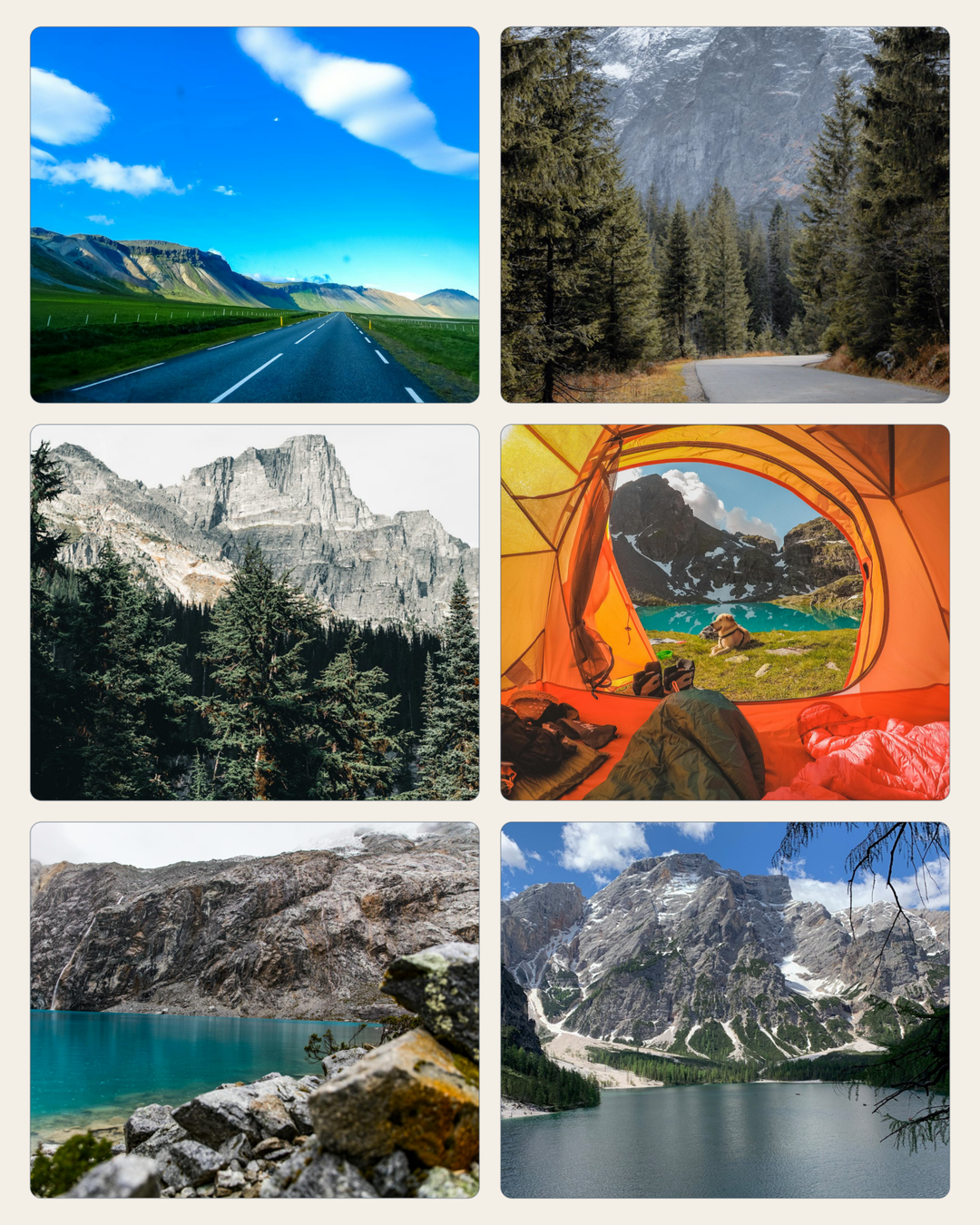
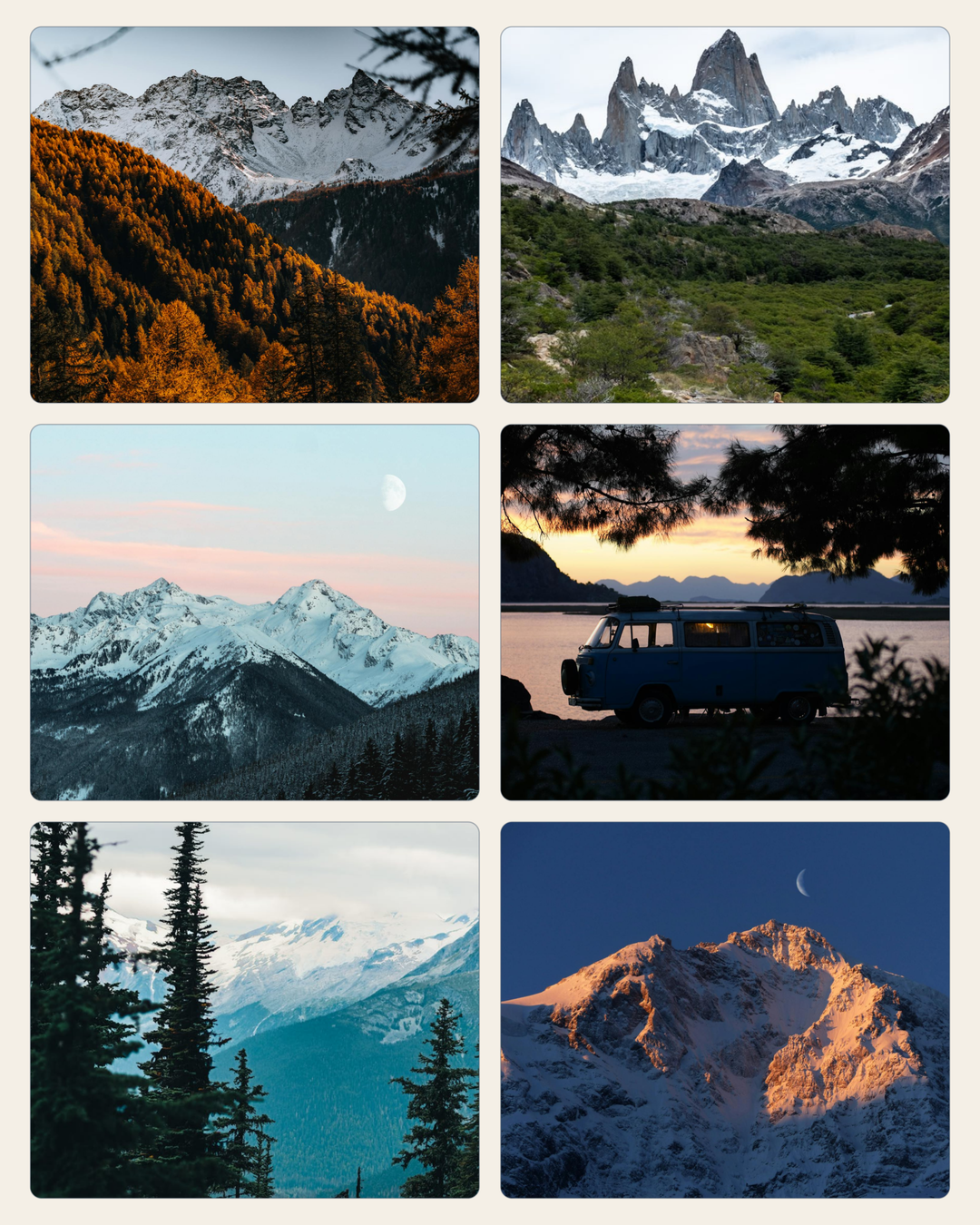
Four-up is our starting recommendation for this set because the photographs have more room. Six-up is the compact alternative. Look at the exported pages at phone size and keep the arrangement you enjoy looking through.
Make your own collection
Start on your phone: add your photographs in Photo Collections, open the default Grid preview and use Change layout if you want another look. You can move forward while preparation runs; Save becomes available when the selected preview is ready. See the current phone guide for saving and adjusting individual frames.
For the exact carousel recipe shown here, finish in the desktop editor. The examples use a custom 4:5 page, 182.88 × 228.6 mm, rounded rectangles, 4 mm gaps, a 5 mm safe margin and a warm neutral background. This is an existing editor canvas setting, not a one-tap phone wizard preset.
- Group your twelve photographs into three sets of four, or two sets of six. Decide which moments belong on each page.
- Prepare the same 4:5 canvas for every page. Use a two-by-two arrangement for four photos, or two columns and three rows for six. Keep spacing and background consistent.
- Apply the photos, review each crop, then check the page sequence. Automatic assignment can change positions within a group; inspect the result if chronology matters.
- Export the selected pages as RGB PNG files, inspect the downloaded images and add them in order to your social post. Stickerloom creates the files; it does not publish or schedule the carousel for you.
Keep the output simple
The clean example slides shown here are 1080 × 1350 pixels. They are intended as screen-sharing examples. Some sources are modest-resolution derivatives; a larger export or higher DPI cannot recover detail that is absent from the originals.
Free includes three qualifying exports per calendar month (UTC), with up to two selected pages per export. A three-page collection can be exported in separate eligible selections while allowance remains; exporting the remaining selected page uses another new grant. An exact re-download of an existing granted output does not use another slot. For a larger collection in one export, or after the allowance, one-off page purchases and Pro or Studio are available. Compare the current plans.
If you would rather travel through the photographs in one short movie, explore Live Layouts. Those movie exports require a current Pro or Studio subscription.
About these examples and photo sources
All five slides and the comparison are existing Stickerloom product-pipeline exports from the approved marketing collection, made on 17 October 2026. The same twelve source photos are used once in each alternative. No customer photographs, invented editor screenshots or retouched crops were added for this article.
The photos come from several locations and photographers. They illustrate a possible holiday collection, not a real customer journey. The twelve-photo source and credit record links the photographers, original pages and provider licences.