Never Crop What Matters
Faces, logos, and key text stay centered and visible. Vectrari® Vision analyzes each image like a human designer would—no cropped heads or cut-off brand marks.
Arrange your photos into a collection, then download it for sharing or printing.
Free to design. PDF/PNG exports USD0.99 per page; Pro adds JPEG and unlimited exports.
Download a collection for social posts and digital keepsakes, or print a catalogue, photo page or sticker sheet. Download your collection, then upload it to your chosen platform.
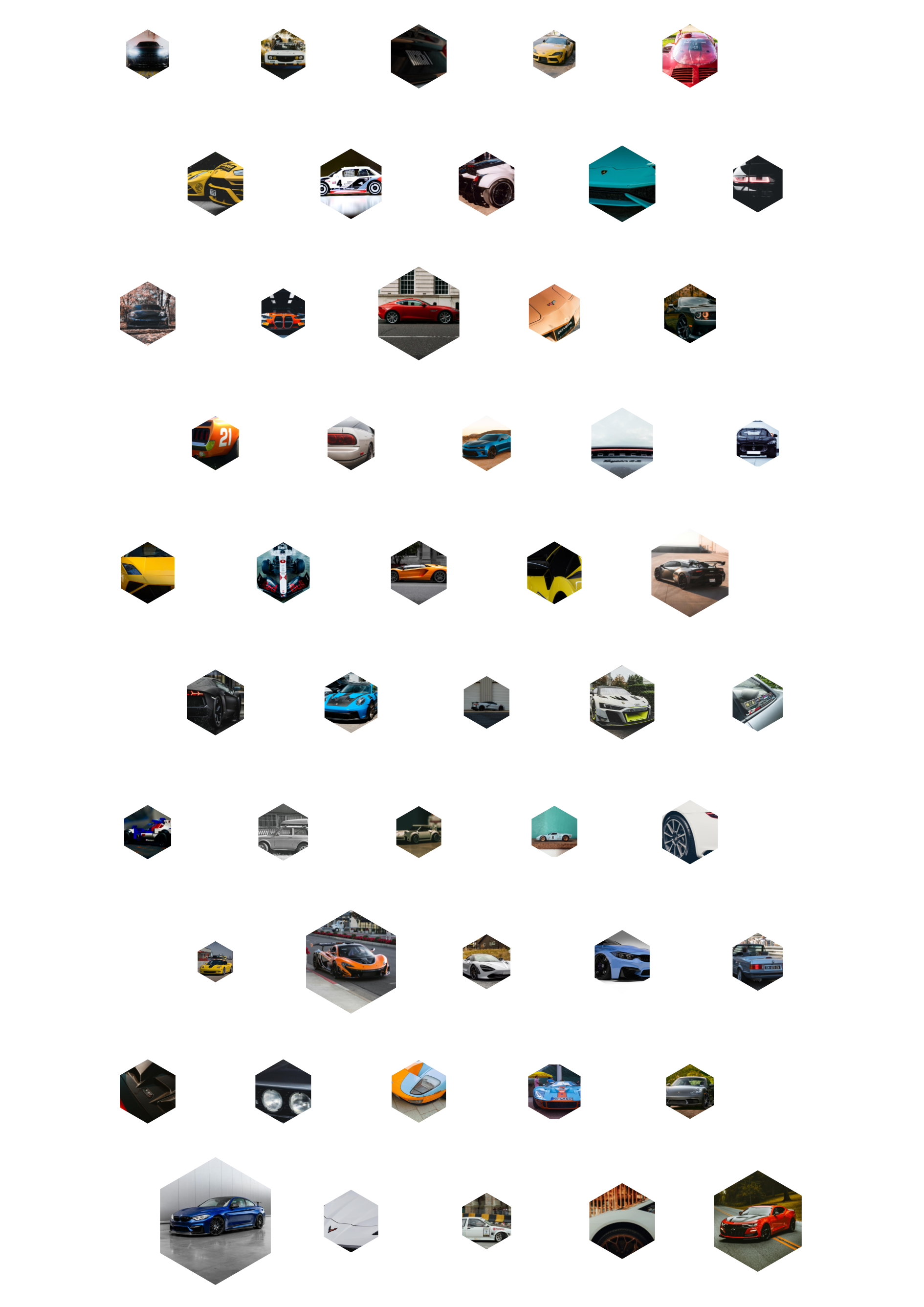
Printing · Product catalogue
Curated sports cars in hexagonal cells — every shot fitted to the shape, sheet-ready at print margins.
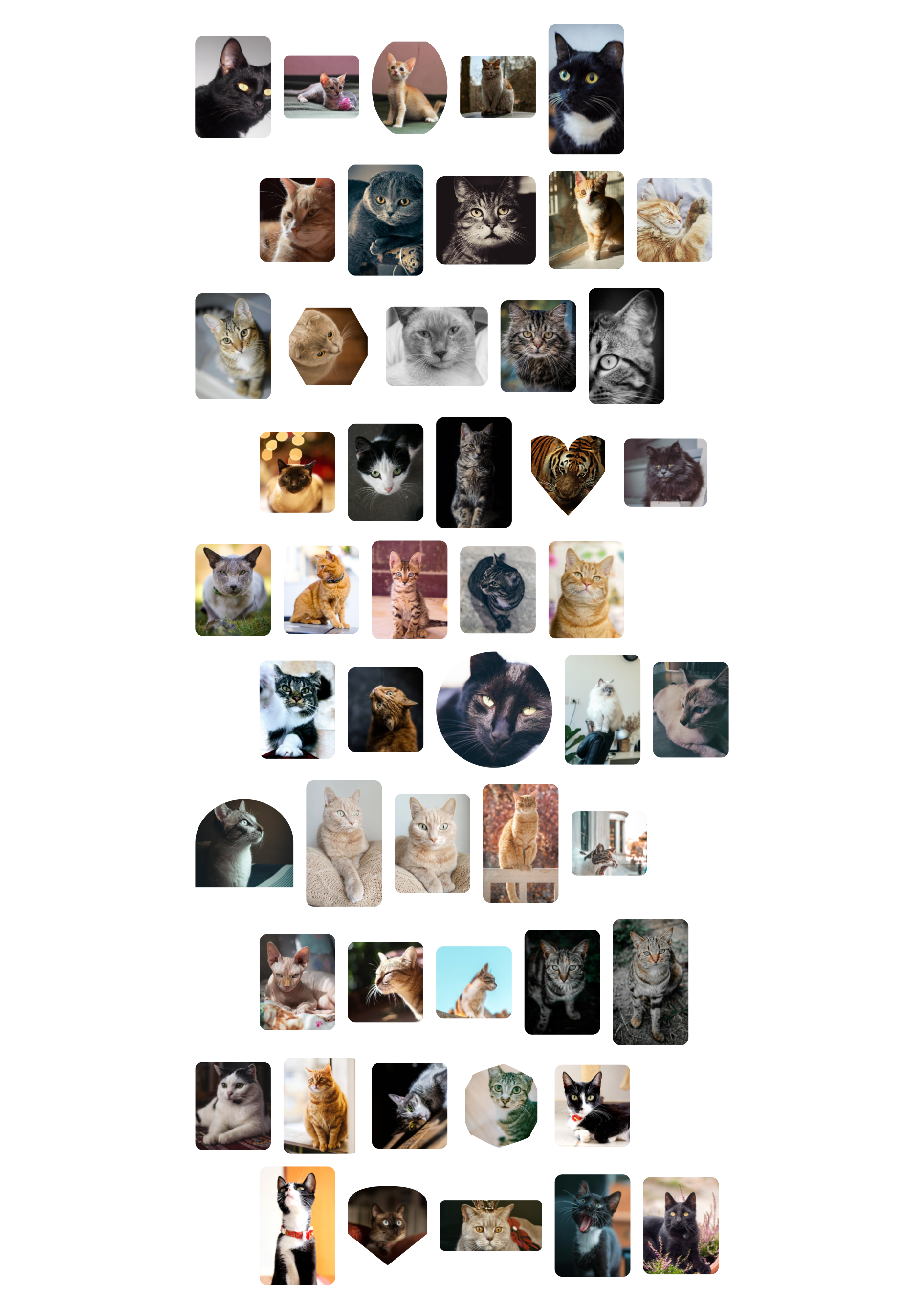
Printing · Mixed Shapes
Circles, hearts, squares, hexagons, ovals, and arches in offset brick rows — every shape framed individually by Vectrari® Vision.
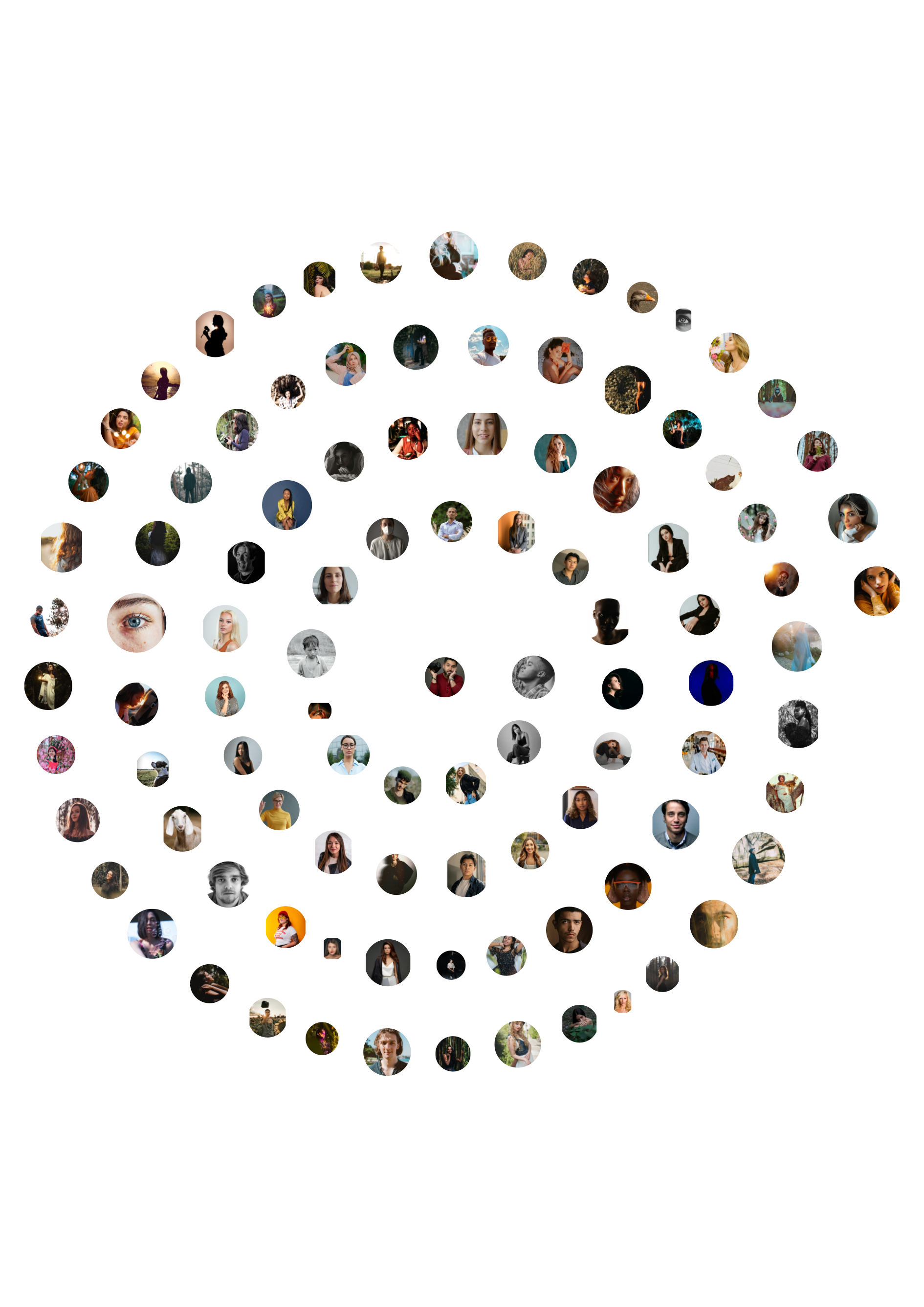
Digital sharing · Portrait collection
Hundreds of circular portraits radiating outward from the centre — Vectrari® Vision centres every face on every slot.
Pick the layout that fits the job, mix layouts within a project, or swap styles without rebuilding. Sunflower Spiral and Grid are available too — use one style or mix several.
Upload. Arrange. Download for sharing or printing.
Start with a wizard or a blank page, then add your photos and designs.
Choose a layout and shapes. Vectrari® Vision frames the content; adjust it however you like.
Pay $0.99 per page for PDF/PNG up to 600 DPI—Pro unlocks 2400 DPI, CMYK, and more formats.
Build, refine, and preview every layout for free. Pay $0.99 to export a single page, or go Pro for JPEG, unlimited exports and print-grade output.
Free to design
$0
Create, save and preview your layouts without paying.
PDF/PNG export: USD0.99 per page
Payment is only needed when you download an export.
Pro
$12per month
Or $120 per year — two months free.
JPEG and unlimited exports, plus professional print controls.
Cancel any time. Designs you build for free stay yours forever.
The technology behind perfectly framed layouts. Before placing any photo, Vectrari® Vision analyzes the image just like a designer would, identifying faces, logos, and important content. It then adjusts each shape's framing to keep everything centered and visible.
Works across every layout style with manual overrides available whenever you want them.
Watch the shape decide
Same image, same slot. Vectrari® Vision picks the orientation, the rotation, and the size that frames the subject best.
Original photo
Before Vectrari® Vision decides how the shape should behave.

Shape treatment
Click a shape type to see how the same source image is reframed.

Flip
Triangle flips orientation and grows larger so the couple stays upright and readable.
Actual Stickerloom render using the same photo across three saved shape treatments.
Faces, logos, and key text stay centered and visible. Vectrari® Vision analyzes each image like a human designer would—no cropped heads or cut-off brand marks.
Vectrari® Vision adjusts the frame to suit the content. Rectangles rotate horizontal-to-vertical when a portrait needs it, triangles flip to keep the subject upright, and any shape can grow when content needs more room.
Stars, hearts, and preset specialty shapes work beautifully. Vectrari® Vision ensures content fits these challenging shapes without awkward cropping.
Built-in safety checks ensure everything stays within printable bounds. Get alerts before problems happen, not after printing.
Choose the layout behavior that fits the job, then switch styles without rebuilding the whole page.
Every shape on one page
Circles, hearts, stars, hexagons, shields — combined freely across any layout style on a single page. Every shape framed individually by Vectrari® Vision, every image perfectly fitted to its own shape.
Story from the centre out
Perfect for wedding albums, yearbook spreads, and memorial pages — place your hero shot at the centre and let supporting photos radiate outward.
Organic, edge-to-edge coverage
Great for baby books, event photo walls, and inspiration grids — fills the page naturally even with varying image sizes.
Tight pack, no waste
Pack sticker sheets, labels, QR codes, and product shots tight without clipping any design. Maximises every millimetre of material.
Uniform and precise
Even rows, consistent sizing — ideal for ID cards, badge sheets, class photos, and anything that needs clean alignment across the page.
Offset rows, clean coverage
Rows of shapes staggered like brickwork — softer than a grid, tighter than a mosaic. Great for photo walls, portrait collections, and any layout where you want uniform coverage with natural rhythm.
Swap styles whenever you like. Vectrari® Vision and the layout engine recalculate the page for you.
200 items. One page. Framed automatically, with manual adjustments available.
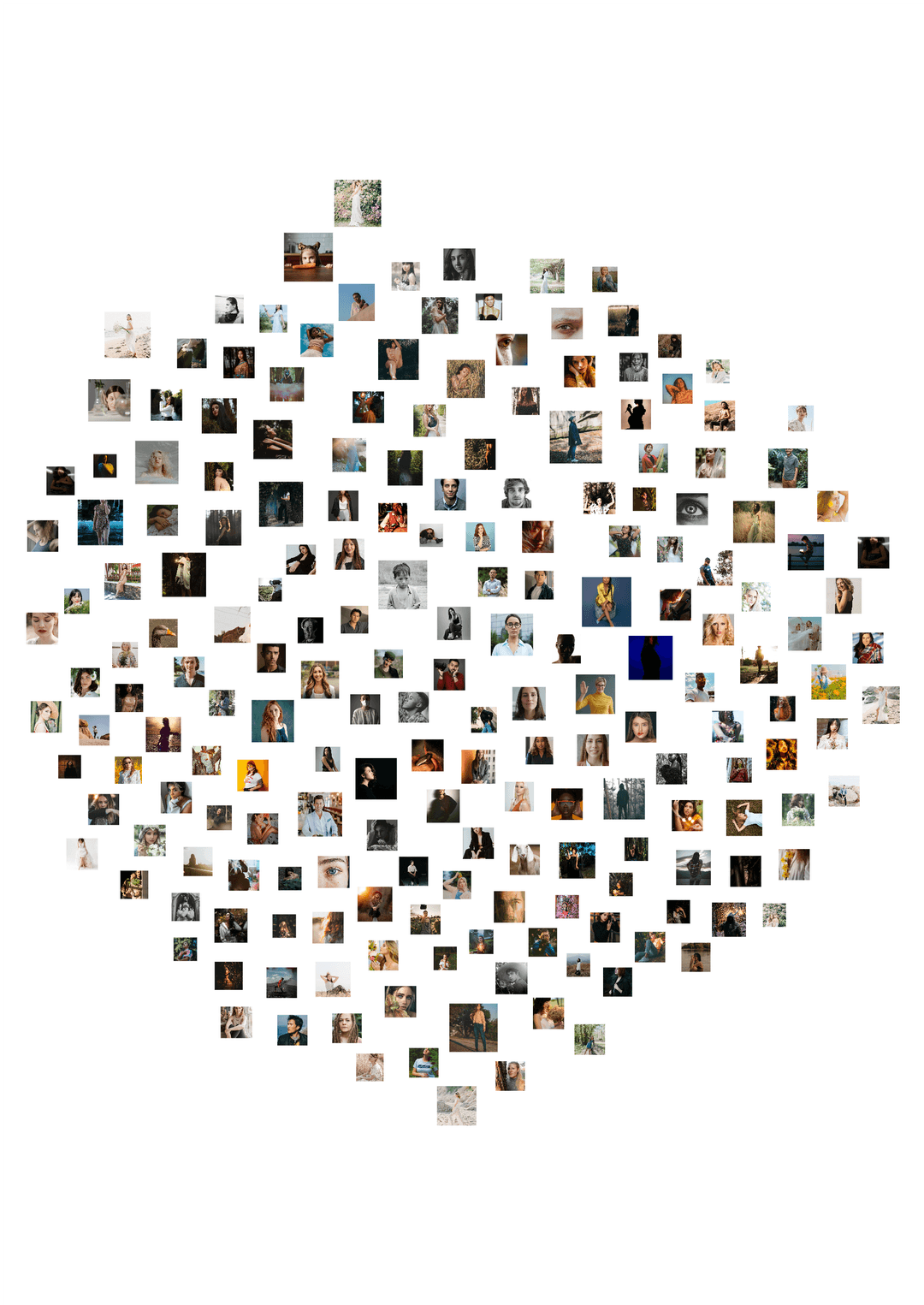
Sunflower layout · Vectrari® Vision · print-ready PDF
Design for free. Export when you're ready — $0.99 per page.
Most layout tools cap at standard print sheets. Stickerloom doesn't — set any width and height, from die-cut Avery stock to the boards that hang at event centres.
63 × 38 mm
Avery label
210 × 297 mm
A4 sheet
3 × 2 metres
Memorial wall
Avery label
63 × 38 mm
Business-card stock, address labels, name badges.
A4 sheet
210 × 297 mm
Sticker sheets, photo prints, classroom posters.
Memorial wall
3 × 2 metres
Event-centre boards, photo walls, milestone displays.
Diagram is to scale relative to each other. Vectrari® Vision keeps faces and key content centred at every size.
Choose presets from our supported Australian catalogue for labels, business cards, badge inserts, place cards, and more. Coverage is limited to this supplied catalogue, not the entire worldwide AVERY® range. Licensed presets are for AVERY®-branded stock only; for other stock, build a custom page from scratch.
Anyone who needs to place a lot of content on a page, keep it looking right, and export something they can actually use.
Wedding photographers
Turn a full shoot into print-ready album pages — faces centered, nothing cropped.
School yearbooks
Batch hundreds of student portraits into clean spreads, every face visible.
Print shops
Client layouts at volume — CMYK export, supported AVERY® presets, custom page sizes.
Baby books
First-year milestones and keepsake prints, laid out beautifully in minutes.
Event planners
Name badges, photo walls, and seating charts — any size, any quantity.
Teachers
Class photo sheets, ID cards, reward stickers — with supported AVERY® label presets.
Six layout families ship with the platform: Classic Spiral, Sunflower (phyllotaxis), Honeycomb, Grid, Brick, and Mixed Shapes (every shape on one page). Each page in a project can use a different layout style, and you can switch styles at any time without rebuilding placements.
Yes. You can build, adjust, and preview your complete layout for free. Payment is only needed when you export a print-ready file — there is no charge to design, save, or make changes.
Vectrari® Vision analyses every photo like a production designer—it centres faces, logos, and focal points automatically and can gently expand shapes so nothing important gets cropped.
Yes. You can create and save layouts for free. Exporting print-ready PDF or PNG files costs $0.99 per page. Stickerloom Pro unlocks unlimited exports, 2400 DPI, CMYK, TIFF, and SVG support.
PNG, JPG, JPEG, SVG, and PDF are all supported. We preserve transparency and make sure your assets stay sharp at print resolution.
Stickerloom supports over 1,100 AVERY® label and printable products from the supplied Australian catalogue, including labels, business cards, badge inserts, place cards, and postcards. This is the supported catalogue, not the entire worldwide AVERY® range. Licensed presets are restricted to AVERY®-branded stock. For other stock, use a custom page with your own width, height, margins, and bleed.
Yes. You can work with mixed shapes, photos, graphics, text, template-based pages, and custom page sizes in the same product flow.
Build the layout first, check the framing, and export only when you are ready.
Start with a blank page, a wizard, or an AVERY® preset. It is free to design.